
Seedance 2.0 Video Generator
Start with Seedance 2.0 Mini for 4–15 second videos with audio. The Seedance 2 menu also offers Fast (2.5 Flash) and Pro (2.5). Eligible new accounts receive welcome credits.
SEEDANCE 2.5 CONCEPT ART ANIMATION
Turn a single image into a 30-second video with Seedance 2.5. This animated 3D concept art example combines a lighthouse rescue story, changing camera angles, and AI-generated audio.

ANIMATE ANY IMAGE
AI Image to Video Generator turns a photo or illustration into finished motion. Drop in one image and it animates the scene, adds camera movement, and lights the frame. Pan it, push in, or bring a still to life, all from one input. On supported models, reference images guide the look, so every video matches your vision with no shoot.
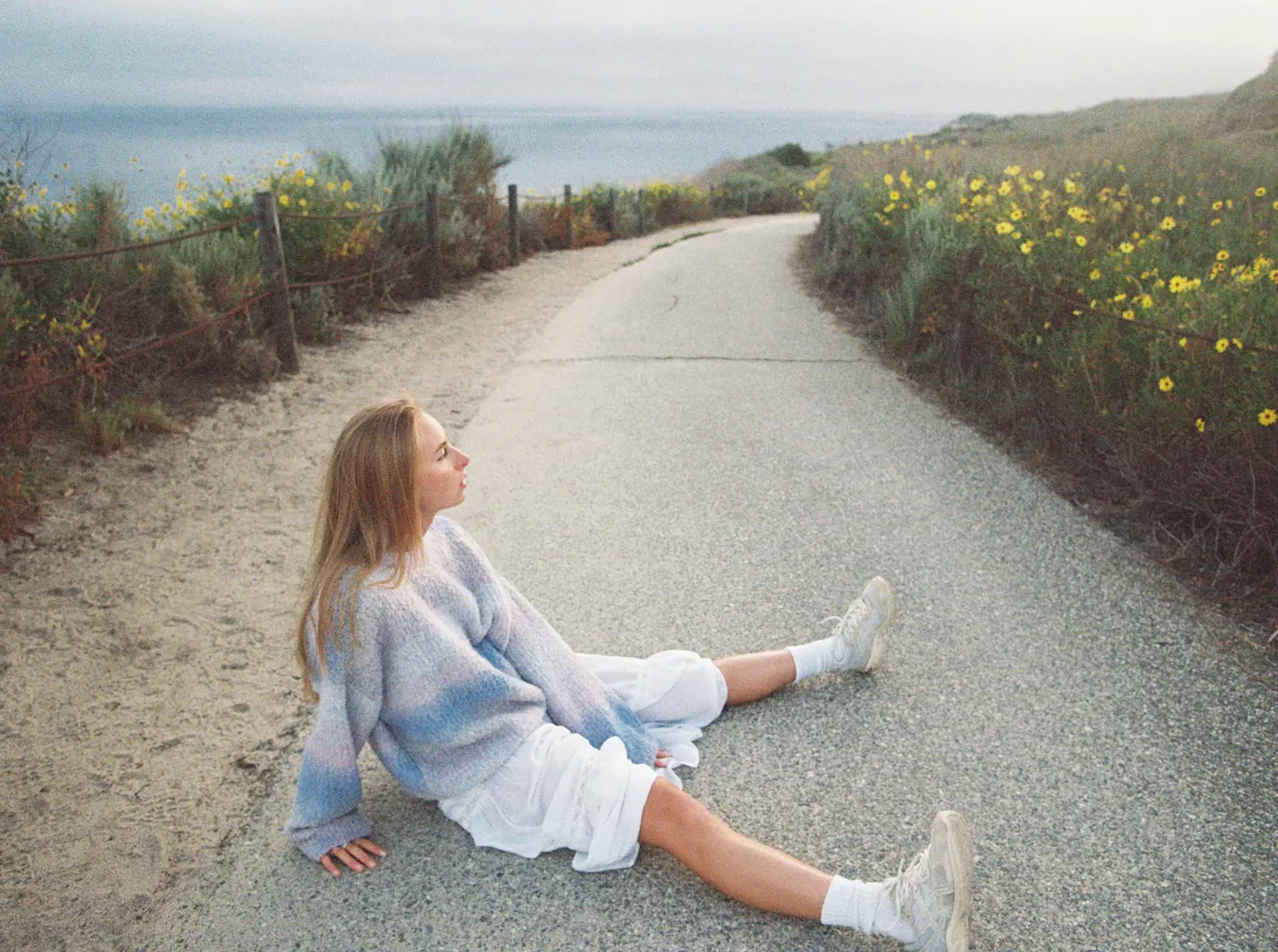
Bring Portraits, Art, and Products to Life
Photo to Video AI Generator animates portraits, artwork, and product shots while keeping every detail true. Make a face blink and smile, give an illustration gentle motion, or spin a product to show each angle. Describe the camera move and pacing in your prompt, then pick the model and clip length that fit the shot.
CHOOSE YOUR SEEDANCE VERSION
Use the labels below to find each option in the model menu. Seedance 2 offers Mini (2.0 Mini), Fast (2.5 Flash) and Pro (2.5).
| Version | Resolution | Length | Audio | Best for |
|---|---|---|---|---|
| Seedance 2.0 MiniSeedance 2 · Mini | 480p – 4K | 4–15s | Always on | The 2.0 option in the current Seedance 2 menu; this page opens on Mini |
| Seedance 2.5 FlashSeedance 2 · Fast | 480p / 720p | 4–30s | Always on | Longer clips at 480p or 720p; up to 10 reference images; no Turbo |
| Seedance 2.5Seedance 2 · Pro | 480p – 4K | 4–30s | Always on | Up to 30 reference images; optional Turbo at 720p and 1080p |
| Seedance ProSeedance · Pro | 480p – 1080p | 4–15s | Always on | Video with sound, an end frame, and Spicy or Turbo options |
| Seedance Pro · TurboSeedance · Pro · Turbo | 720p – 1080p | 4–15s | Always on | Turbo generation at 720p and 1080p |
| Seedance FastSeedance · Fast | 480p – 1080p | 2–12s | No | The absolute cheapest clips here — stretch your free credits |
Need help choosing a version or checking your first result? Read our Seedance image-to-video guide for current settings and a tested example. Compare the same portrait across models in our six-clip Kling, Wan and Seedance test.
SEEDANCE, ANSWERED
Is Seedance 2.0 free to use?
Eligible new accounts receive welcome credits, enough for a 5-second Seedance 2.0 Mini clip at 480p with audio (36 credits). Additional generations use credits; there is no subscription.
Can I use Seedance 2.0 free and unlimited?
No. Welcome credits are a one-time allowance for eligible new accounts. Further generations require credits.
How do I use Seedance 2.0?
For 2.0 Mini, choose Seedance 2 in the model menu and select Mini. Upload a photo or write a prompt, select length and resolution, then press Make Video. Fast and Pro in that menu use 2.5 Flash and 2.5, respectively.
How much does Seedance 2.0 cost?
Price depends on tier, duration and resolution. The Make Video button shows the exact cost before generation; credits come in one-time packs.
Can I use Seedance online without an app?
Yes. Sign in, choose an image or prompt and generate in your browser.
Does Seedance 2.0 generate audio?
Yes. Seedance 2.0 always generates audio with the video; describe the sound in your prompt. The Seedance card's Fast option uses silent Seedance 1.0 at every resolution.
Can Seedance make 4K video?
Yes. In the Seedance 2 menu, Mini (2.0 Mini) and Pro (2.5, Turbo off) support native 4K with audio. Fast (2.5 Flash) supports 480p and 720p only. Check the quote after choosing a tier and resolution.
What do Fast and Pro mean in the Seedance menus?
The menu group matters. In Seedance 2, Fast means 2.5 Flash (480p or 720p) and Pro means 2.5 (up to 4K); both support up to 30 seconds with audio. In the separate Seedance group, Fast is the silent option up to 12 seconds and Pro supports audio up to 15 seconds, both up to 1080p.
Is this the official Seedance website?
No. Photo to Video is an independent product by Joseph Works Limited, using official API partners. We are not affiliated with or endorsed by ByteDance.