
Kling AI Video Generator
Turn any photo into a Kling AI video — free credits to start, no subscription.
DIRECT THE MOTION FROM YOUR PHOTO
AI Image to Video Generator gives your image a real camera, not a guess. Direct a slow push-in, hero close-up, or orbit in the prompt. Add a reference image to guide the look and keep shape and color consistent, so a multi-shot video stays on-brand from open to close.
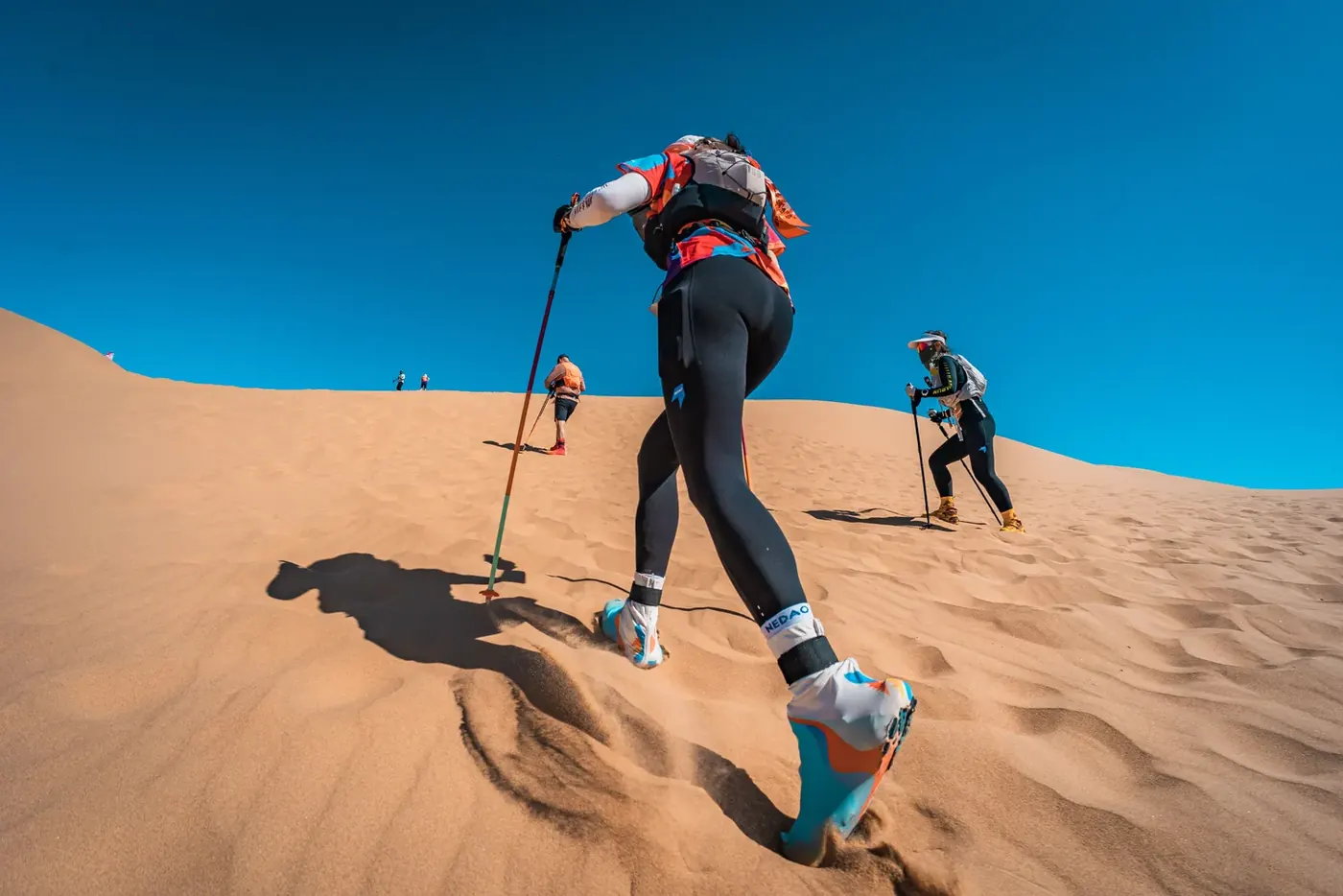
CHOOSE YOUR KLING VERSION
Use Kling 3.0, the unified multimodal engine, for native lip-sync, multi-shot product storyboarding, and lifelike spokesperson performance in one architecture. Every tier is available in the generator above — the badge under each version shows what to pick in the model menu.
Need help choosing? Our Kling image-to-video guide explains single-photo settings, reference images, prompts and troubleshooting.
| Version | Resolution | Length | Audio | Best for |
|---|---|---|---|---|
| Kling 3.0 4KPro · 4K | 4K | 3–15s | Always on | Maximum quality for hero shots and final renders |
| Kling 3.0 ProPro · 1080p | 1080p | 3–15s | Optional | Directed 1080p shots with precise prompt control |
| Kling V3 TurboFast | 720p – 1080p | 3–15s | Always on | Everyday clips with native sound, fast turnaround |
| Kling 2.6 StandardStandard | 720p | 5 or 10s | No | Cheapest way to try Kling — covered by your free credits |
KLING AI, ANSWERED
Is Kling AI free to use?
Yes to start: the free credits you get on sign-up cover a 5-second Kling 2.6 Standard clip, which costs 32 credits. After that it is pay-per-video with credits and there is no subscription. Higher tiers cost more per second — Standard is the cheapest way in, and 4K the dearest.
How much does Kling AI cost?
Kling is priced per second and the rate rises with the tier: a 5-second clip is 32 credits on 2.6 Standard, 84 on V3 Turbo at 720p, and 378 on 3.0 4K. The exact number sits on the Make Video button before anything is spent, so nothing is charged by surprise. Credits are bought in packs rather than by subscription.
Can I use Kling AI online without downloading an app?
Yes. Photo to Video runs Kling entirely in your browser: sign in, upload an image or write a prompt, pick a Kling version, and generate. Nothing to download and no waitlist. A companion iOS app is available if you prefer one, and it shares the same account and the same credits.
Do Kling AI videos have a watermark?
No. Videos you generate here download as plain MP4 files with no watermark, logo, or corner badge added at any tier — including the ones your free credits cover. Nothing is stamped on a free clip that is absent from a paid one, so a first video is usable as it comes out.
Which Kling version should I choose?
Start with Kling 2.6 Standard: it is the cheapest and returns in about half a minute, though it renders silent. Move to Kling V3 Turbo when you want native sound, Kling 3.0 Pro for 1080p shots with optional sound, and Kling 3.0 4K when the clip is the final render rather than a test. Both Pro resolutions support an optional end frame; Standard and Fast do not.
Can I guide the look of the video?
Yes. Your photo sets the scene and your prompt directs the action and the camera — Kling responds to shot language like push in, orbit, or handheld rather than needing a separate control. The Kling O1 and O3 reference models go further and accept up to 7 reference images to hold a character or style steady across a clip.
Is this the official Kling AI website?
No. Photo to Video is an independent product by Joseph Works Limited that runs Kling through official API partners. We are not affiliated with or endorsed by Kling AI or Kuaishou. The upside: Seedance, Wan, Veo, Sora, and every other top model are one click away in the same generator.