
Photo to VideoAI
Turn any image into a moving video without a shoot. Photo to Video AI Generator animates photos, portraits, art, and product shots using your images and prompt. Add camera motion, direct the action, and export up to 4K. Try free, no subscription.
Turn any image into a moving video without a shoot. Animate photos, portraits, art, and product shots with your prompt. Try free, no subscription.
Powered by leading AI video models to power your creativity output
- Seedance
- MiniMax H3
- Wan
- Seedance 2
- Vidu
- Hailuo
- Imagine
- Kling
- Agnes
- Happy Horse
- Sora 2
- Veo
- LTX 2.5











ANIMATE ANY IMAGE
AI Image to Video Generator turns a photo or illustration into finished motion. Drop in one image and it animates the scene, adds camera movement, and lights the frame. Pan it, push in, or bring a still to life, all from one input. On supported models, reference images guide the look, so every video matches your vision with no shoot.
Bring Portraits, Art, and Products to Life
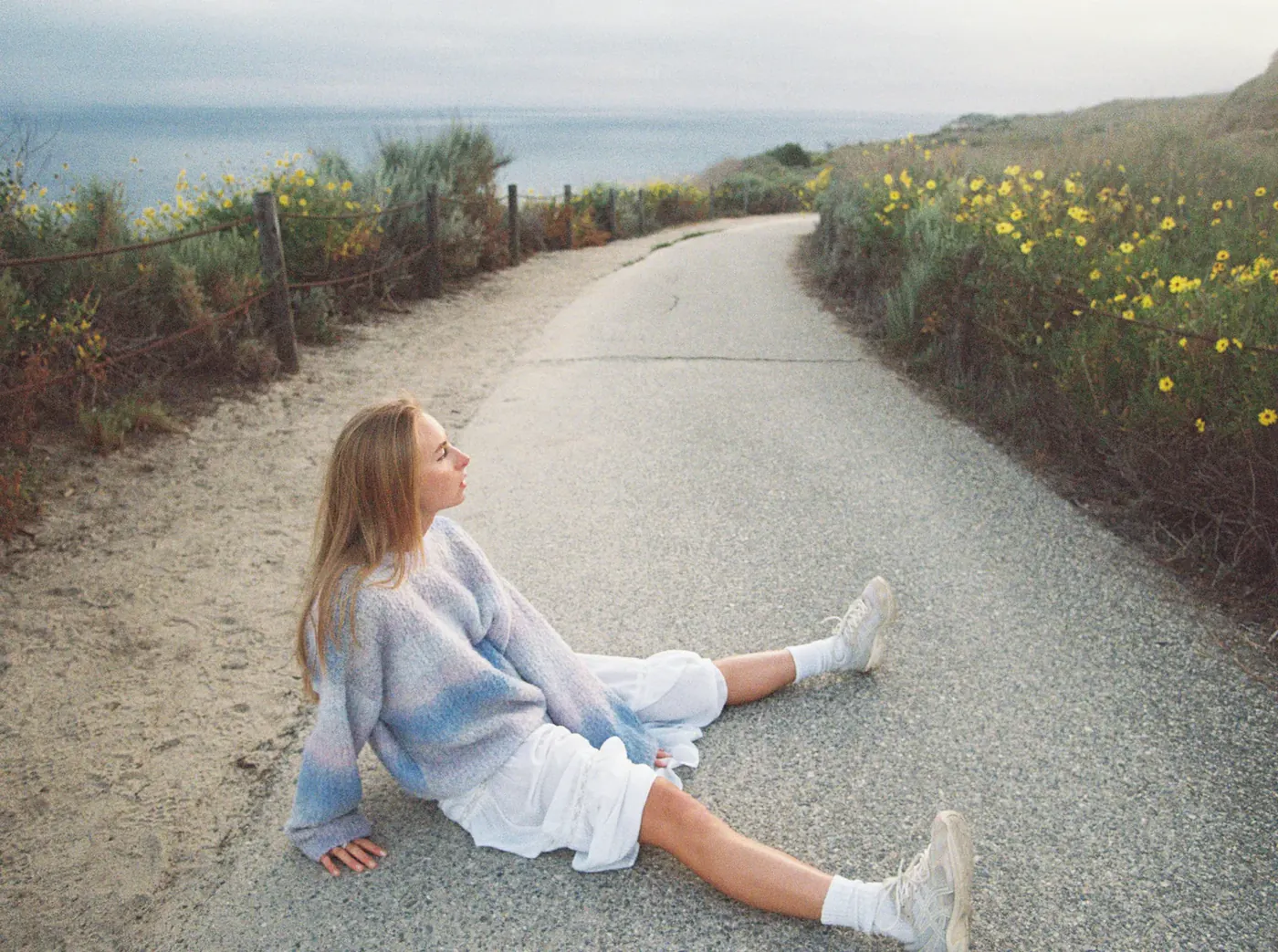
Photo to Video AI Generator animates portraits, artwork, and product shots while keeping every detail true. Make a face blink and smile, give an illustration gentle motion, or spin a product to show each angle. Describe the camera move and pacing in your prompt, then pick the model and clip length that fit the shot.
DIRECT THE MOTION FROM YOUR PHOTO
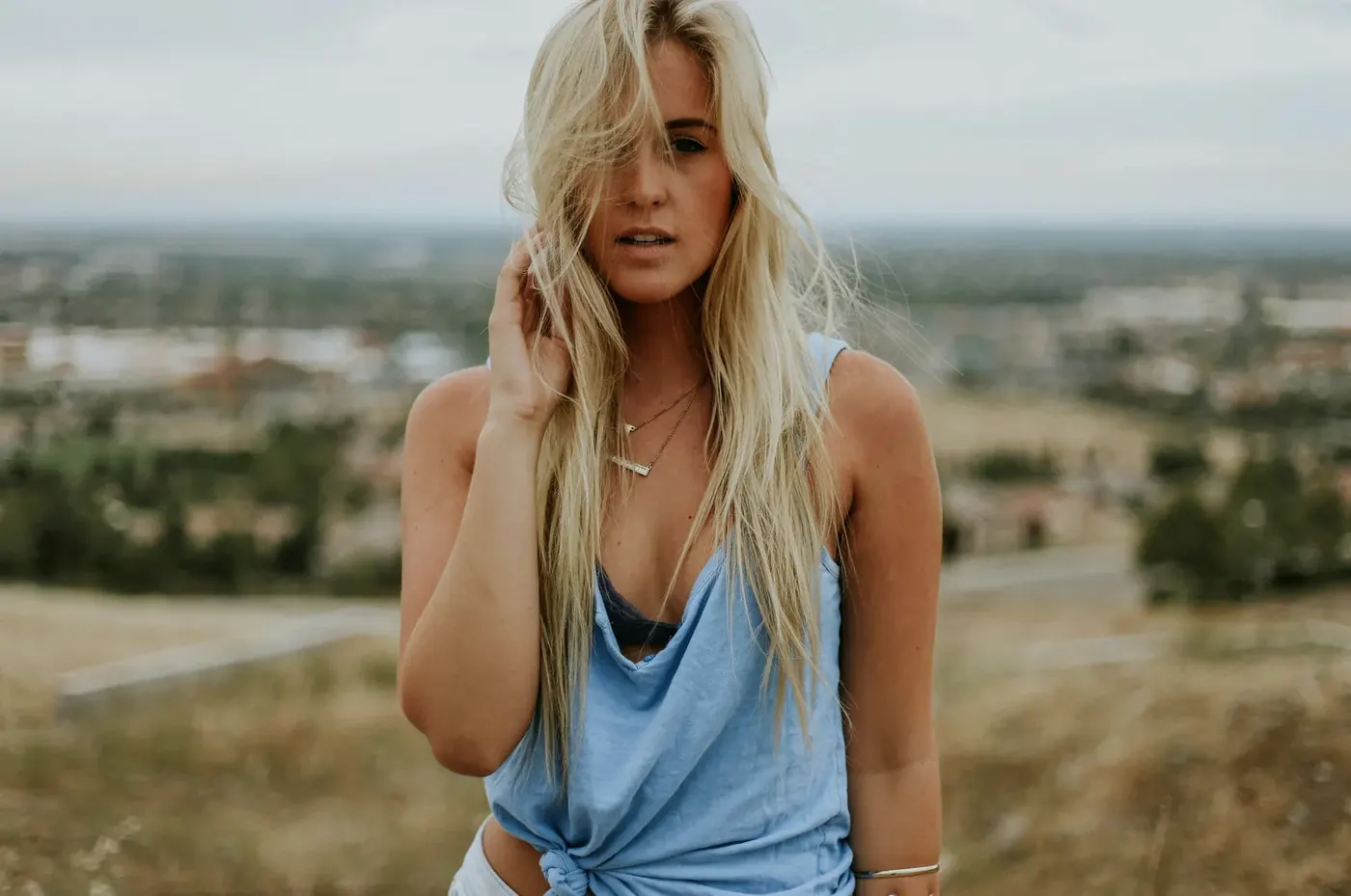
AI Image to Video Generator gives your image a real camera, not a guess. Direct a slow push-in, hero close-up, or orbit in the prompt. Add a reference image to guide the look and keep shape and color consistent, so a multi-shot video stays on-brand from open to close.
ALL THE FEATURES YOU NEED FOR IMAGE TO VIDEO
Photo to Video AI Generator animates, directs, restyles, upscales, and exports in one workflow. Image to final video, ready to share. No subscriptions. No timeline editing.
Image to Video AI
Photo to Video AI Generator animates a photo into smooth motion. The subject stays sharp. The scene comes alive.
AI Photo Animator
Photo to Video AI Generator brings any still photo to life with natural movement. Faces, hair, and water move realistically. One image in, video out.
AI 360 Spin from Image
Photo to Video AI Generator turns one product shot into a turning, orbiting view. Every angle on show. Built for listings and showcases.
AI Portrait Animator
Photo to Video AI Generator makes portraits blink, smile, and turn. Expressions stay lifelike. Old photos and headshots come alive.
AI Lifestyle Scene from Photo
Photo to Video AI Generator drops your subject into any setting in motion. Room, desk, or street. Lighting and perspective match the image.
AI Background Animator
Photo to Video AI Generator animates or swaps the backdrop behind your subject. Skies, water, and scenes move.
AI Spokesperson from Image
Photo to Video AI Generator turns a portrait into a lifelike presenter. Lips synced, voice natural. Talking head without a camera.
AI Video Upscaler
Photo to Video AI Generator pairs with ByteDance Upscaler. Take your clip up to 4K at 30 fps.
How to Turn a Photo into Video?
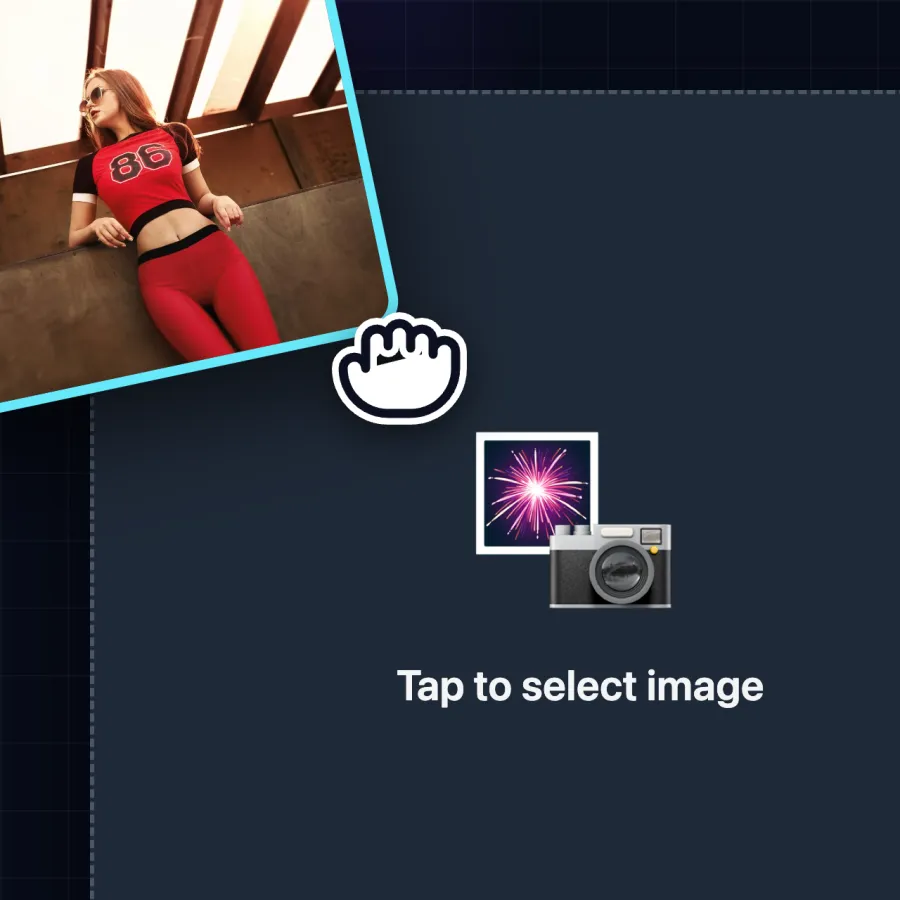
Upload Your Image
Drop in a photo, illustration, or product shot. It reads the subject, edges, and lighting, then maps motion.
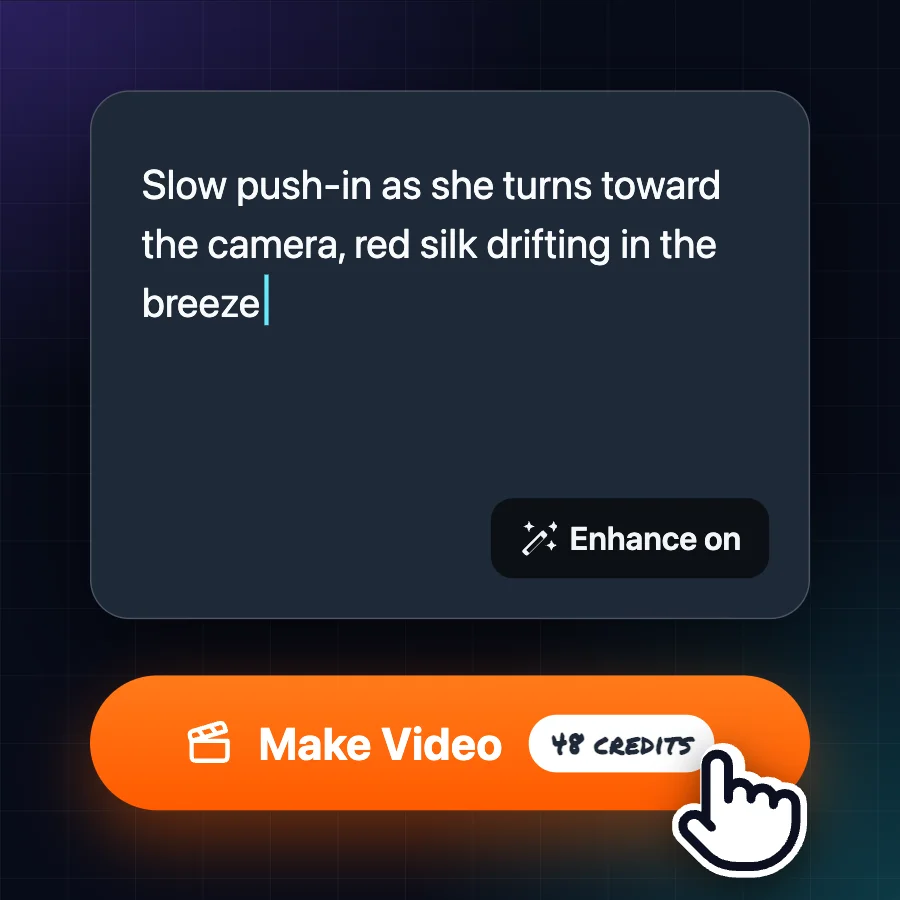
Describe Your Video
Pick the camera move, scene, and pacing in your prompt. Refine the look with reference images.
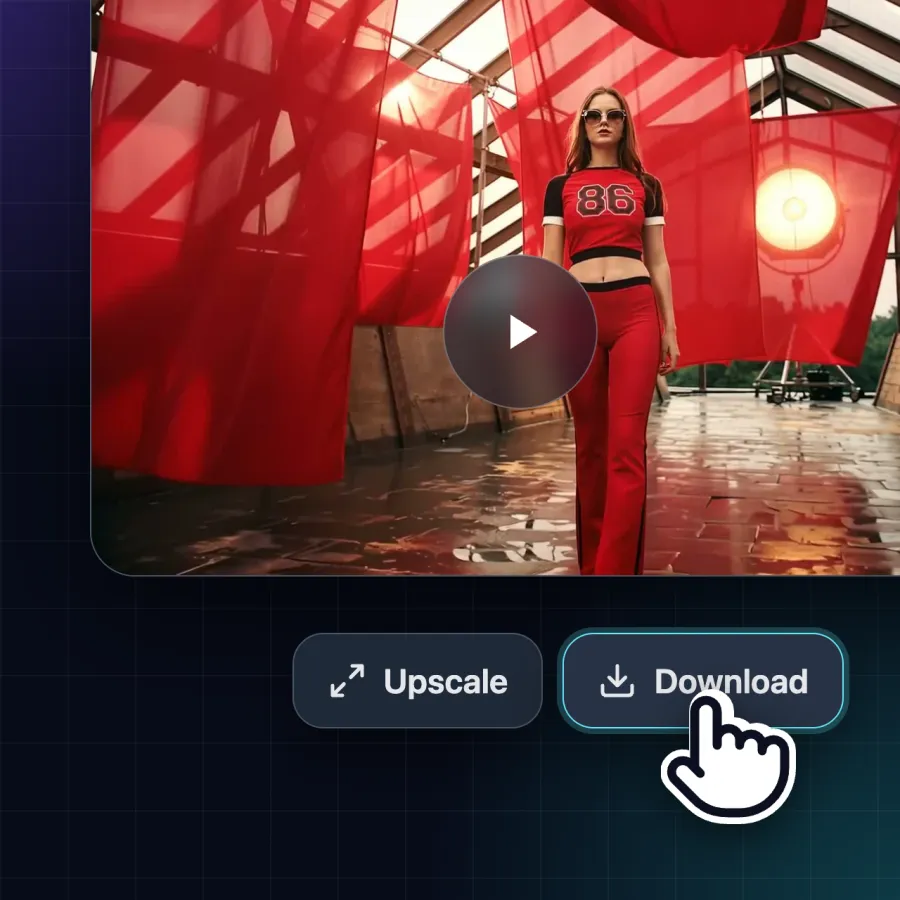
Export and Share
Download your video, or run it through Upscale for up to 4K. Share your clip, or try a few variations.
TURN PHOTO INTO VIDEO WITH TOP AI MODELS
Photo to Video AI Generator brings every leading video model into one workspace. Switch models per shot and pick the best result. Pay per video with credits, no subscription, and new models are added as they launch.
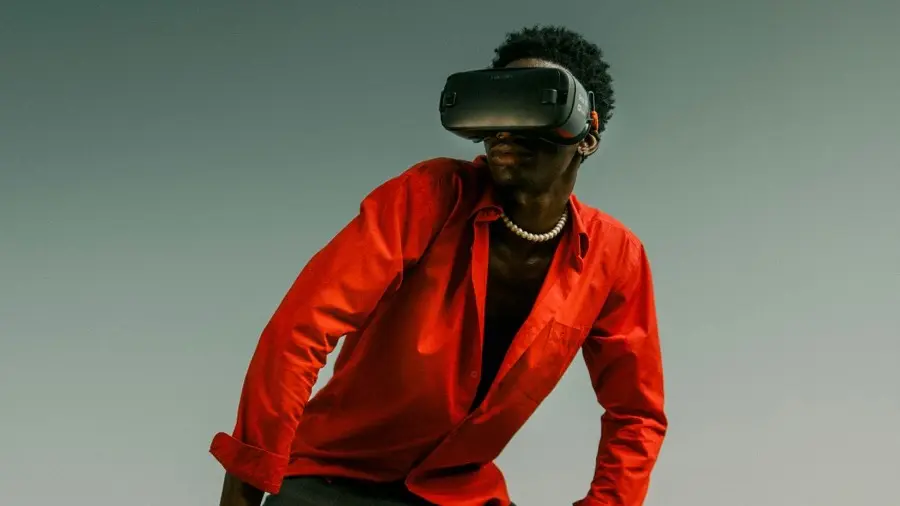
Fashion-grade, ultra-realistic product motion with cinematic lighting — ideal for apparel and lifestyle catalog clips
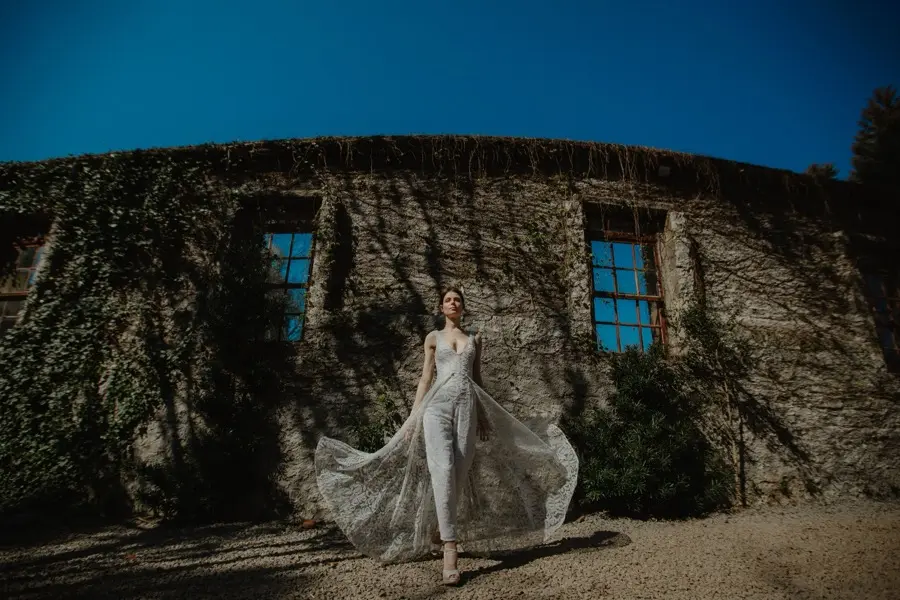
Dialogue, effects and room tone written with the picture in one pass — native 2K, and a draft back in about five seconds
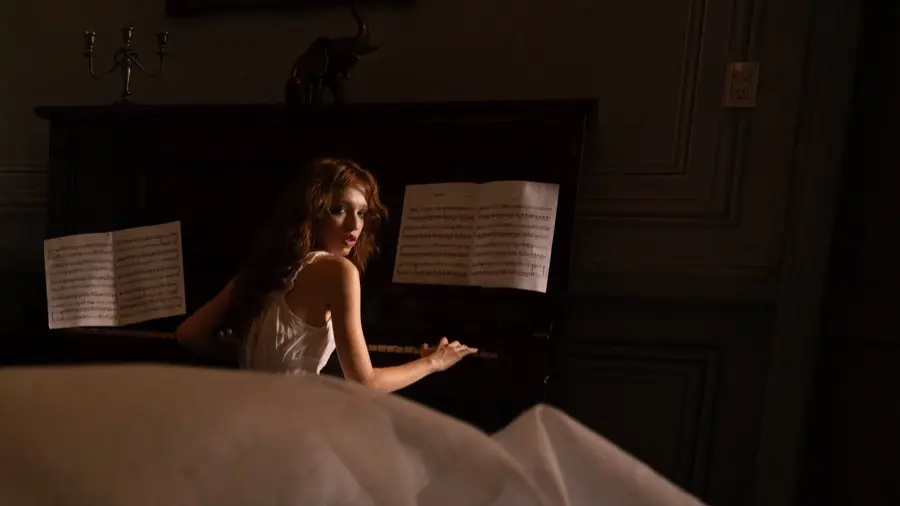
The wide-angle neural camera: precise product rotations, zooms, pans, and directed shot pacing
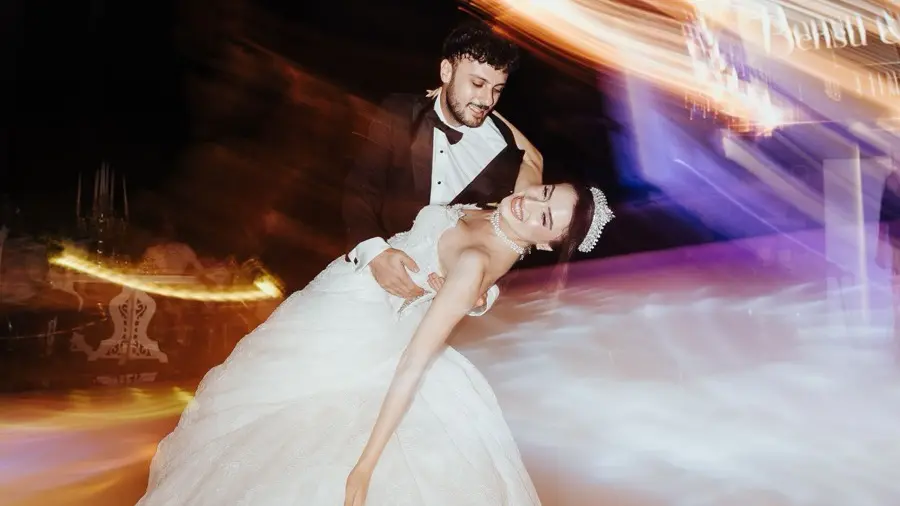
Diverse, fluid motion with native audio — 3 to 16 second clips from a single photo, up to 4K
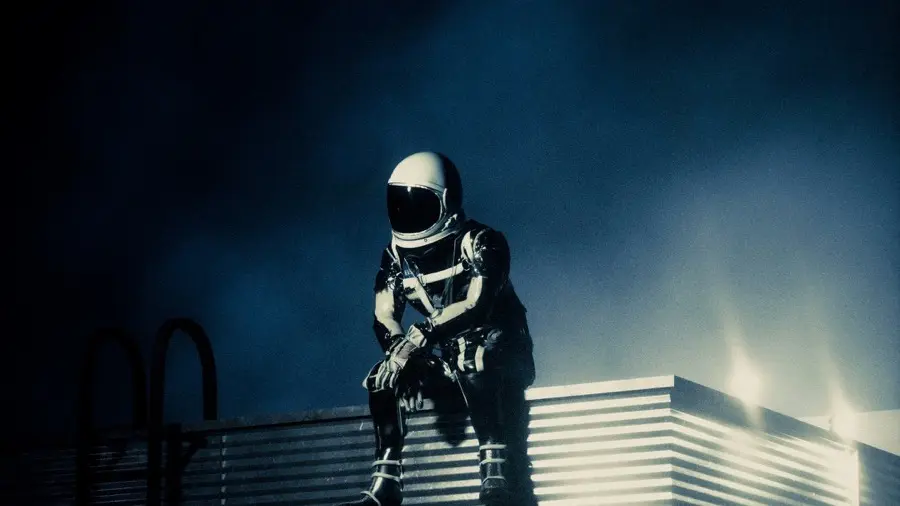
The unified multimodal engine: native lip-sync, multi-shot storyboarding, and lifelike spokesperson performance
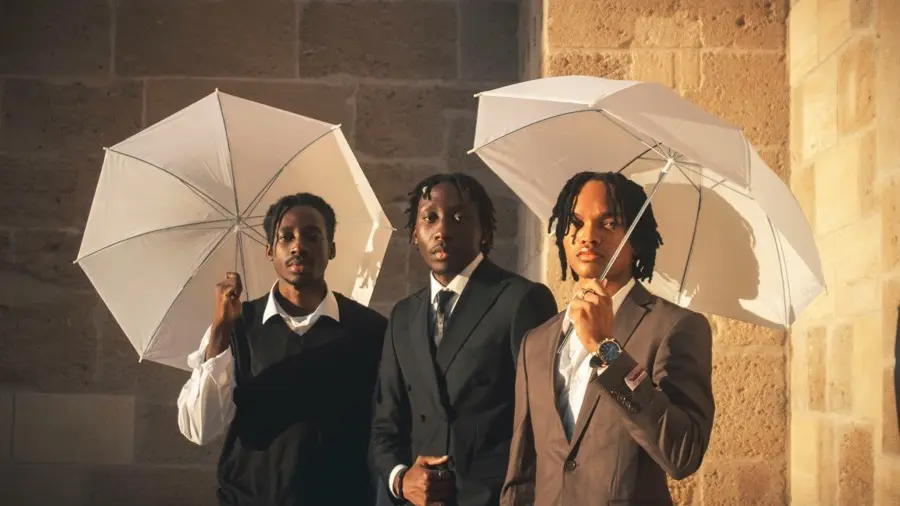
Native audio in every clip and any length from 1 to 15 seconds — the quickest way to try an idea before a flagship render
Why Photo to Video Is the Best AI Image to Video Generator
Photo to Video is the all-in-one AI image to video generator with 30+ top models, a built-in image editor, and a full edit-to-4K workflow with no subscription. From animating portraits and art to product spins, lifestyle scenes, and brand visuals, it turns a single image into a polished, share-ready video without a shoot.
Animate Art, Illustrations & Concepts
Photo to Video AI Generator brings drawings, paintings, and concept art to life for artists, designers, and studios. It covers animated illustrations, motion concept boards, and stylized reveals while holding every line and color. Photo to Video turns a single artwork into directed motion, no frame-by-frame animation required.
Photo to Video AI FAQ
Photo-to-video AI is a tool that turns still photos into short, animated video clips using generative AI to add natural motion, camera movement, and cinematic styling.
Upload a photo, add an optional prompt, choose a model, and generate — Photo to Video turns your still into a short clip with natural motion in seconds.
Not at all. Photo to Video is designed to be simple and easy to use for all skill levels, from beginners to creative pros.
Photo to Video AI uses generative AI to analyze a still photo and predict how depth, lighting, and motion would behave in the scene. It then generates new frames with natural camera movement so the photo becomes a short video while preserving subject identity and details.
Video generation speed varies by the model you choose. Faster options can finish in seconds; most generations typically take about one to two minutes.
Credits are used to generate videos with Photo to Video. New accounts get free credits, and each generation uses credits.
Yes. New accounts get free credits, so you can turn photo into video with AI at no cost to start — no subscription. Each generation uses credits.
Yes. Upload a scanned old photo or portrait, add a prompt such as "she smiles and blinks," and Photo to Video makes faces blink, smile, and turn while keeping details true.
You can generate videos up to 4K resolution for cinematic quality. Resolution settings vary by AI model.
Generated videos from Photo to Video are currently downloadable in MP4 format up to 4K resolution, with clip length depending on the AI model used. Use the Download button under your finished video.




 Featured on Airudra
 Featured on What Is AI Tools
 Featured on Next Big Product