On this page
How to Change Clothes in a Video with AI
 Photo to Video
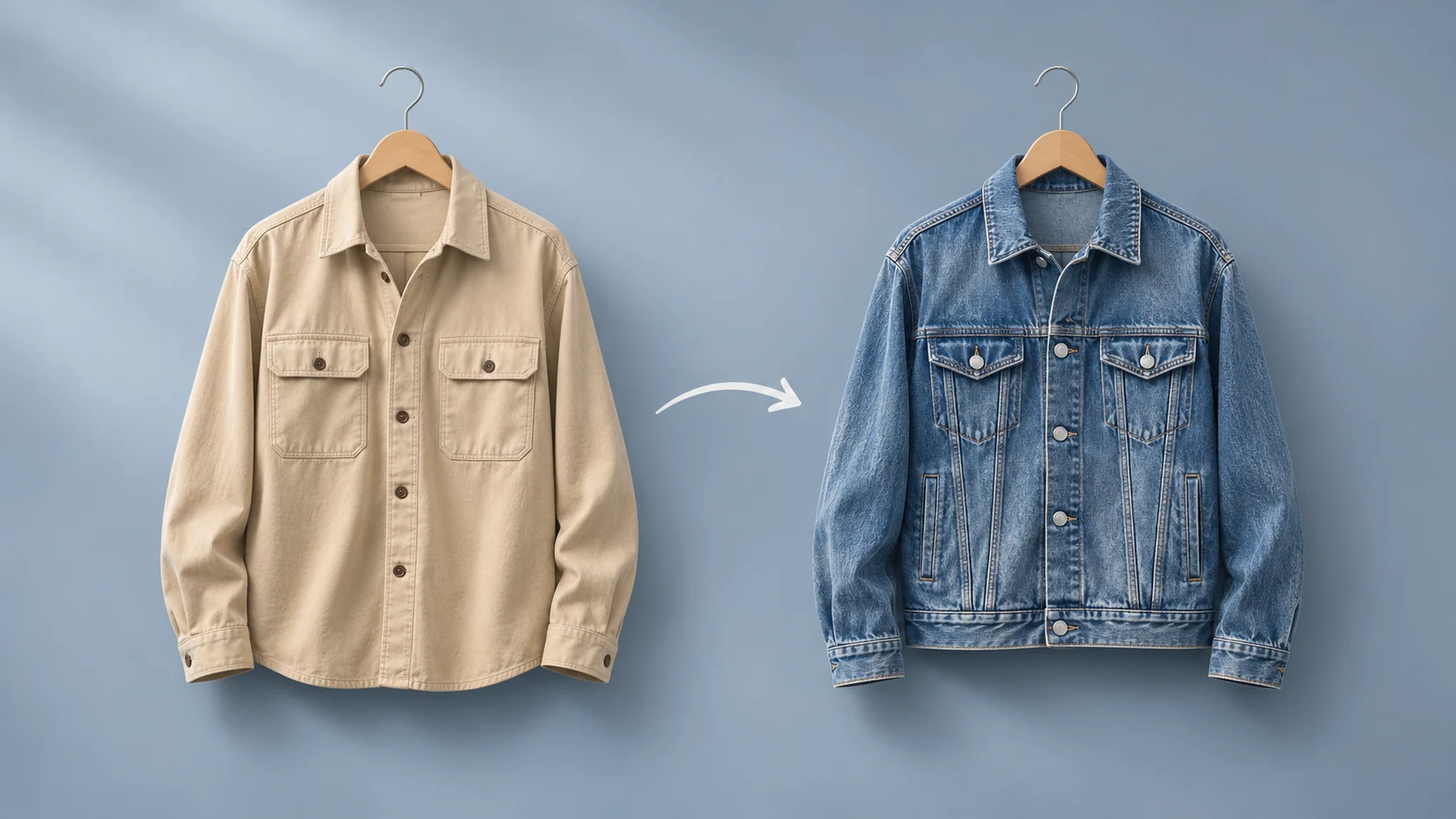
Cover: conceptual AI illustration. The original test files are below.
To change clothing in a video, open Recast, choose Object swap, upload your clip and a photo of the replacement garment, then name the item to change. We tested this with a beige jacket: one attempt left it unchanged; the next changed it to denim.
This is a test of our own product, Photo to Video, on November 7, 2026. Below are the exact inputs, both complete outputs and the 90-credit bill. Use Character swap if you want to replace the whole person; use prompt-based video editing for broader scene or style changes.
How to change an item of clothing with Object swap
- Sign in to Recast and choose Object swap. This mode requires credits.
- Upload a 2–15 second video. Start with a clip in which the garment you want to replace is easy to see.
- Add one reference image of the replacement. A clear item-only image makes the intended garment easy to identify. Our second attempt used a denim jacket on a hanger.
- Fill in What to change. Use a short item name such as
jacket. The text identifies what to replace; the image supplies the replacement. - Choose a resolution and check Make Video. The button shows the quote before submission. Object swap has a three-second minimum charge.
- Generate and review the full result. Check the garment, nearby body details, duration and sound before using it in an edit. Download the completed file from its result or History.
Two attempts on the same clip: 90 credits total
The source is a three-second vertical clip of a woman facing the camera, wearing a beige jacket over a white top. We selected Object swap at 480p for both attempts. Each button quote and recorded charge was 45 credits.
| Setting | Attempt 1 | Attempt 2 |
|---|---|---|
| Reference | Person in a gray sweatshirt | Denim jacket only |
| What to change | her beige jacket | jacket |
| Charged | 45 credits | 45 credits |
| Observed result | Beige jacket remained | Jacket changed to denim |

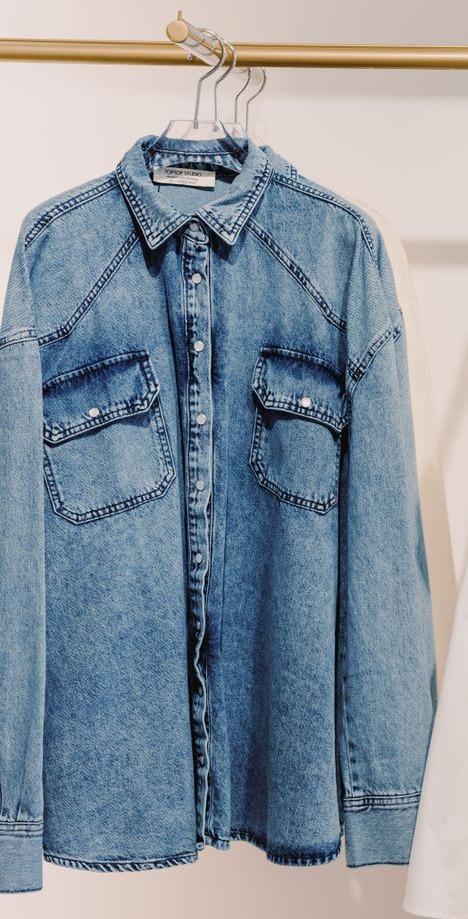
We changed two things together: the reference photo and the target text. This test cannot tell us which change helped, or whether both were needed. It does not prove that a longer target always fails or that an item-only image always works.
Watch the original and both complete outputs
Original video
Attempt 1: clothing unchanged
Attempt 2: denim jacket
The approximate wait times above are the tester’s submission-to-result observations, not server processing durations.
The first job completed but left the beige jacket visible. The second output shows a blue denim jacket, with seams and buttons, while the person, headband and red-wall setting remain recognizable. It follows the source jacket’s open shape rather than copying the buttoned-up reference exactly. This is a visual observation, not a claim that every surrounding detail is unchanged.
Both outputs are 480×864 at 24 fps and 2.33 seconds long, compared with the 3.00-second source at 25 fps. They contain silent audio tracks; the source has no audio track. We have not added music, narration or speed changes to these files.
45 + 45 = 90 credits. The unchanged first result was charged and no refund was recorded for it. This was a completed generation, not a technical failure. See our guide to budgeting for retries for the distinction. These are historical test charges, not a promise of today’s quote.
What this test tells us—and what it does not
Object swap changed the jacket with the second setup in this particular clip. It did not produce the intended clothing change on the first attempt. Keep both outcomes in mind when deciding how many attempts to budget.
- We tested one jacket on one person in one short clip at 480p. We did not test other outfits, overlapping people or fast full-body movement.
- Two attempts do not establish a general success rate, and changing two inputs together does not isolate the cause.
- The output became shorter. Check timing before matching the result to music or another shot.
- The silent source cannot demonstrate preservation of audible speech or music.
For your own clip, inspect the whole output rather than judging only its first frame. The Recast page has current limits and the generator’s quote for your settings.
Try changing an item in Recast
FAQ
Can AI change clothes in a video?
Yes, in this test Object swap changed a beige jacket to denim on the second attempt. The first completed attempt left the clothing unchanged.
What reference photo should I use?
Use one image that clearly shows the replacement item. Our successful attempt used a jacket-only photo, but we also changed the target text, so the photo alone does not explain success.
What should I type in What to change?
Name the item briefly, such as jacket. This identifies the target in the video; the reference image shows the replacement.
How much did the clothing edit cost?
Each 3-second, 480p attempt cost 45 credits on November 7, 2026: 90 total. Check the button for your current quote; Object swap has a three-second minimum charge.
Do I need an account and credits for Object swap?
Yes. Object swap requires sign-in and credits. Eligible new accounts receive welcome credits; check your balance and the button quote before generating.
What if the completed video has no visible change?
Our unchanged result still cost 45 credits, with no refund recorded. A completed result that misses the intended edit is different from a job reported as failed.